


M4 Universal Micro-Adjust Link
Fitwell M4 Universal Micro-Adjust Link Black


Couldn't load pickup availability
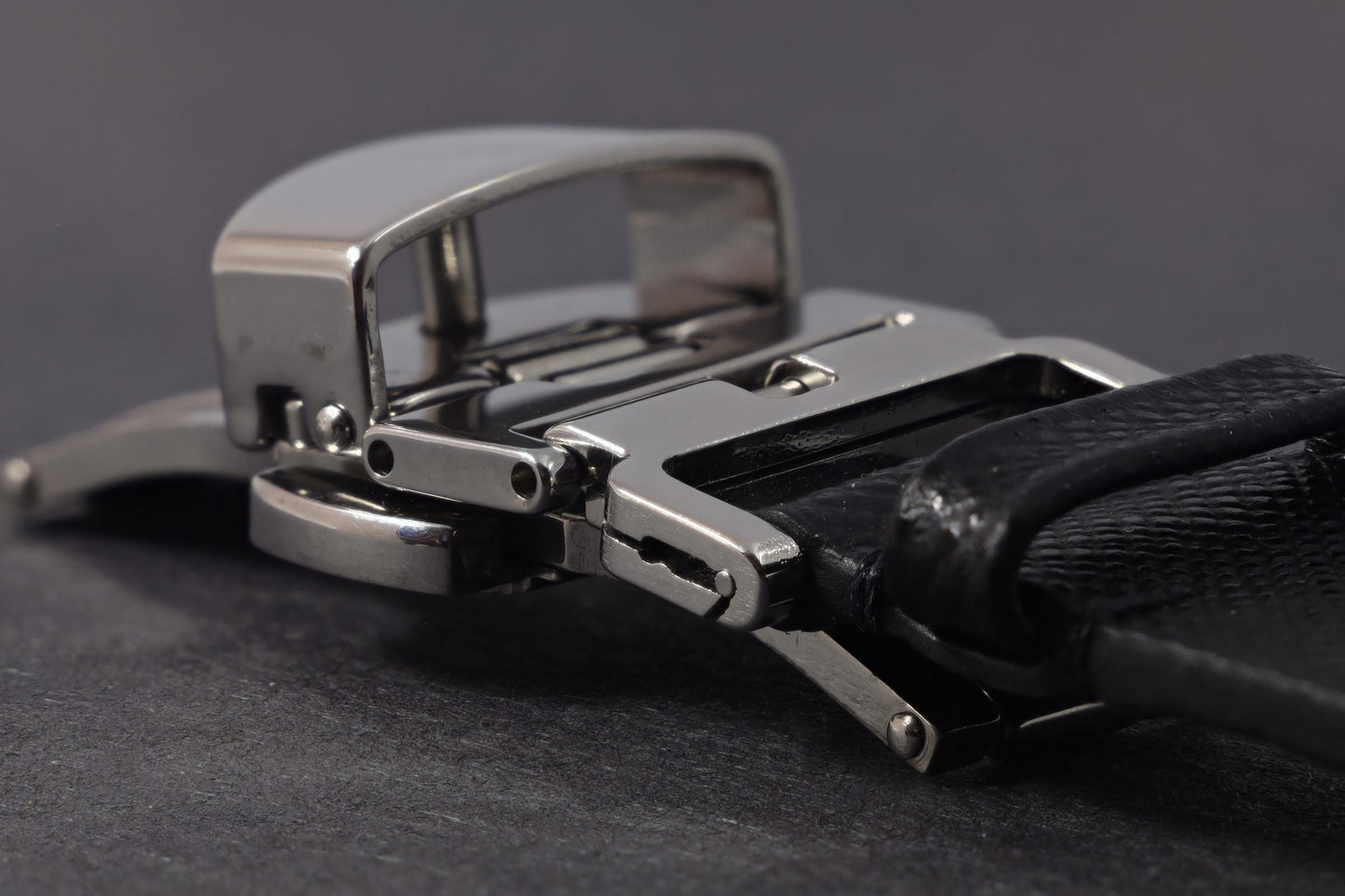
Add seamless micro-adjustment to your existing deployant or buckle. The Fitwell Micro-Adjust Universal Link gives you the same precise fit as the Fitwell M1 buckles, in a compact inline form that installs easily between your strap and existing closure.
If your perfect fit falls between two holes - one too tight, the next too loose - this is your fix. The M4 adds precise sizing without tools or strap modification.
Features
- Works with both deployant clasps and pin buckles that use standard 1.5mm diameter spring bars (or 1.6mm diameter spring bars on the 22mm links)
- Compatible with most leather, rubber, or fabric straps
- Adds up to 3mm of micro-adjustment for perfect between-hole comfort
- Adjusts easily - no tools required
- Crafted from 316L stainless steel
- Adds only 5.5mm of strap length (less than one hole)
- Includes spring bars for quick installation
How It Works
The Universal Micro-Adjust Link connects between your clasp and strap, extending or shortening the strap by up to 3mm with a simple slide mechanism. It effectively doubles the number of fit positions available, allowing you to fine-tune comfort throughout the day.
Choosing Your Size
Your Fitwell Link size is based on the width of your strap at the buckle - please use our size finder below to find your perfect fit.
A note about tang / pin width:
The 16mm and 18mm wide Links will accommodate tangs up to 3mm wide (many G-Shock and similar buckles), and the 20mm and 22mm Links will accommodate tangs up to 4mm wide (many Panerai and similar buckles).
A note about deployant compatibility:
Deployants come in many shapes and sizes. While the M4 is compatible with most, some (like Omega style deployants) do not allow the M4 link to sit correctly when installed. Please reach out to us with any questions you may have about your particular make and model, and we will be glad to assist.


What Size Fitwell Should I Buy?
Step 1 — Calibrate your screen
Hold a standard credit card to your screen in portrait (vertical) orientation. Adjust the slider until the card image matches your card exactly, edge to edge.
Step 2 — Select your strap width
Each buckle is drawn to scale. Hold the end of your strap against the inner opening to find your exact size.
The inner gap of each buckle equals its labeled width, measured on your calibrated screen.
Your size:
Choose a product type below to see all options in your size.